Adding and subtracting time is one of the most common daily mathematical tasks across project management, timesheet auditing, flight tracking, audio/video editing, and shift scheduling.
However, because our modern time system is based on sexagesimal (base-60) arithmetic inherited from ancient Babylonian astronomy rather than decimal (base-10) mathematics, standard addition and subtraction rules do not apply directly. This guide explains time carryover rules, duration formulas across midnight, and decimal conversions for payroll.
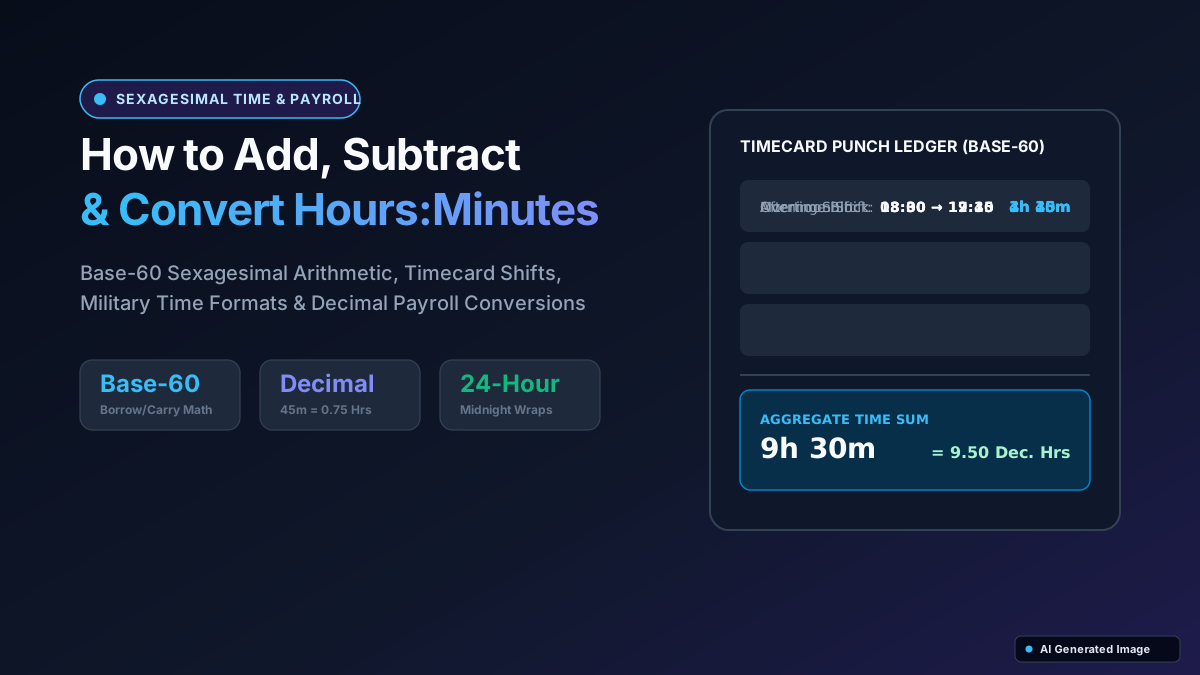
Quick answer:Because time operates on base-60 (60 seconds = 1 minute, 60 minutes = 1 hour), you cannot add time like normal decimal numbers. To add time, add seconds first (carrying over 1 minute for every 60 seconds), then add minutes (carrying over 1 hour for every 60 minutes), and finally add hours. To convert minutes to decimal hours for payroll, divide minutes by 60 (e.g., 45 mins ÷ 60 = 0.75 hrs).
Why Time Arithmetic Is Different: Base-60 vs Base-10
In decimal mathematics, values carry over or borrow in powers of 10 (10 units = 1 ten, 10 tens = 1 hundred). In time arithmetic:
• 60 Seconds = 1 Minute
• 60 Minutes = 1 Hour
• 24 Hours = 1 Day
• 7 Days = 1 Week
If you add `4 hours 45 minutes` and `3 hours 35 minutes` on a standard decimal calculator as `4.45 + 3.35`, the display shows `7.80`, which is mathematically incorrect. In reality, 45 minutes + 35 minutes = 80 minutes (1 hour and 20 minutes), making the correct total **8 hours and 20 minutes**.
Step-by-Step Method for Adding Time
To add two or more time durations manually:
1. **Add the Seconds column**: If total seconds ≥ 60, divide by 60. The quotient is the carried-over minutes, and the remainder is the final seconds.
2. **Add the Minutes column (plus any carried-over minutes)**: If total minutes ≥ 60, divide by 60. The quotient is the carried-over hours, and the remainder is the final minutes.
3. **Add the Hours column (plus any carried-over hours)**: If total hours ≥ 24, divide by 24 to find total days and remaining hours.
| Problem Column | First Time | Second Time | Raw Sum | Base-60 Re-normalization | Final Value |
|---|---|---|---|---|---|
| Seconds | 42 sec | 38 sec | 80 sec | 80 ÷ 60 = 1 min + 20 sec | 20 Seconds (Carry 1 min) |
| Minutes | 45 min | 50 min | 95 min + 1 (carry) = 96 min | 96 ÷ 60 = 1 hr + 36 min | 36 Minutes (Carry 1 hr) |
| Hours | 6 hrs | 7 hrs | 13 hrs + 1 (carry) = 14 hrs | 14 < 24 hrs | 14 Hours |
| Grand Total | 6h 45m 42s | 7h 50m 38s | — | — | 14 Hours, 36 Minutes, 20 Seconds |
Step-by-Step Method for Subtracting Time
When subtracting time (e.g., Duration = End Time − Start Time), subtract from right to left. When the top number is smaller than the bottom number, borrow from the left:
• Borrowing from Minutes to Seconds adds **60 Seconds** (not 10).
• Borrowing from Hours to Minutes adds **60 Minutes** (not 10).
• Borrowing from Days to Hours adds **24 Hours**.
Calculating Elapsed Time Between Two Clocks (Spanning Midnight)
To find elapsed duration between two clock times (e.g., Start 10:45 PM to End 6:30 AM):
1. **Convert to 24-Hour Military Time**: 10:45 PM = 22:45, 6:30 AM = 06:30.
2. **If End Time < Start Time (Crosses Midnight)**: Add 24 hours (1440 minutes) to the End Time: 06:30 + 24:00 = 30:30.
3. **Subtract**: 30 hours 30 minutes − 22 hours 45 minutes = 29 hours 90 minutes − 22 hours 45 minutes = **7 hours and 45 minutes**.
4. **Deduct Unpaid Breaks**: If a 45-minute lunch was taken: 7h 45m − 45m = **7 hours 00 minutes** of billable work.
Minutes to Decimal Hours Conversion Table for Payroll
Payroll software logs employee hours in decimals (e.g., $25/hour × 7.75 hours). Use this quick conversion chart for standard minute intervals:
| Minutes | Exact Fraction | Decimal Hours | Minutes | Exact Fraction | Decimal Hours |
|---|---|---|---|---|---|
| 5 mins | 5/60 | 0.083 hrs | 35 mins | 35/60 | 0.583 hrs |
| 10 mins | 10/60 | 0.167 hrs | 40 mins | 40/60 | 0.667 hrs |
| 15 mins | 15/60 (1/4) | 0.250 hrs | 45 mins | 45/60 (3/4) | 0.750 hrs |
| 20 mins | 20/60 (1/3) | 0.333 hrs | 50 mins | 50/60 | 0.833 hrs |
| 25 mins | 25/60 | 0.417 hrs | 55 mins | 55/60 | 0.917 hrs |
| 30 mins | 30/60 (1/2) | 0.500 hrs | 60 mins | 60/60 (1) | 1.000 hrs |
Frequently Asked Questions
Click any question below to expand quick answers, formulas, and expert tips.
How do I calculate total time in Excel or Google Sheets?
To sum time values exceeding 24 hours without resetting to zero, format the result cell with custom formatting: `[h]:mm:ss`. The brackets around `[h]` instruct spreadsheets to accumulate cumulative hours rather than wrapping around at midnight.
How do I convert decimal hours back into hours and minutes?
The whole number represents hours. Multiply the decimal remainder by 60 to get minutes. For example: 8.45 hours = 8 hours + (0.45 × 60 = 27 minutes) = 8 hours and 27 minutes.
What is sexagesimal time?
Sexagesimal is a numeral system with sixty as its base. It originated in ancient Sumer and Babylon and remains the global standard for measuring time (hours, minutes, seconds) and angles/coordinates (degrees, arcminutes, arcseconds).
The Bottom Line
Time math is easy once you use base-60 conversions. Add, subtract, and convert hours and minutes seamlessly with our free client-side Time Calculator.
This article is for informational and educational purposes. Always verify complex calculations with a qualified professional or official documentation.